How to Make a Bad Times AI Video from One Photo
Make a Bad Times reaction video from a photo of your dog, cat or yourself. Learn how to choose a scene, write the caption and check the order.
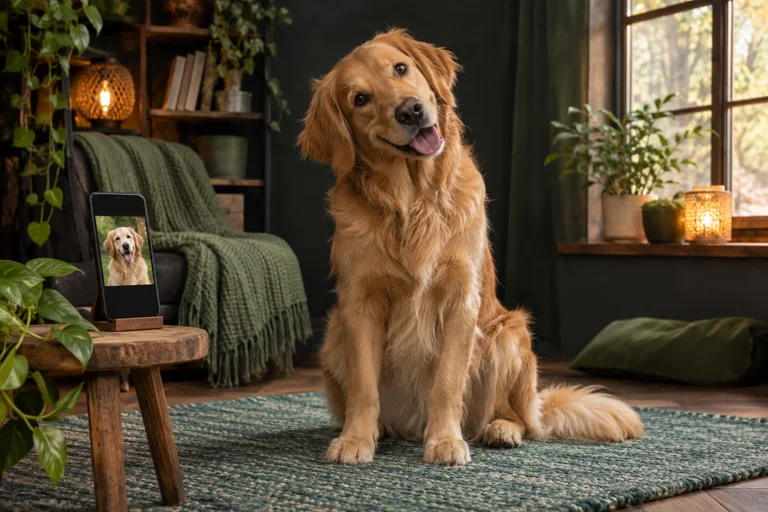
A Bad Times clip starts with a small annoyance and a face that can sell it. Before you upload anything, decide who is reacting and what just happened. A dog hearing the treat drawer open gives you a clearer scene than a general request to make your dog funny.
Pick a scene for the photo you have
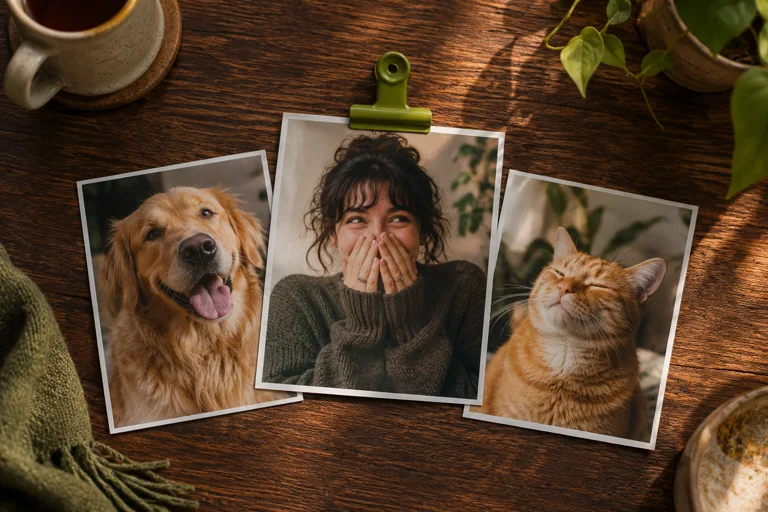
Use Treat Bag Meltdown for one dog, Dinner Is Late for one cat or One More Thing for one adult. Play the example and look at the original input beside it. Check how much of the subject is visible before choosing a similar photo. Leave the eyes, ears and upper body clear for a pet. For a person, pick even light and an unobstructed face. Photos should be JPG, PNG or WebP, up to 20 MB each.
Give the reaction a reason
Write one short line in the top caption field and read it in the preview. “When I opened the treats for the other dog” gives a dog’s stare a purpose. Leave it blank if the situation already makes sense on its own.
Check the version and the email
The short version is 15 seconds at 480p. Some scenes also offer 30-second versions. Check the duration, resolution and total before paying. Use an address you can access as the order email. The recipient address can be different if you are giving the video to someone else.
Watch the free examples and photo comparisons while deciding. Facial details and motion can vary with the input.