480p vs. 720p for a Vertical AI Video
Compare 480p and 720p Bad Times samples on the same phone and learn when HD helps a vertical clip.
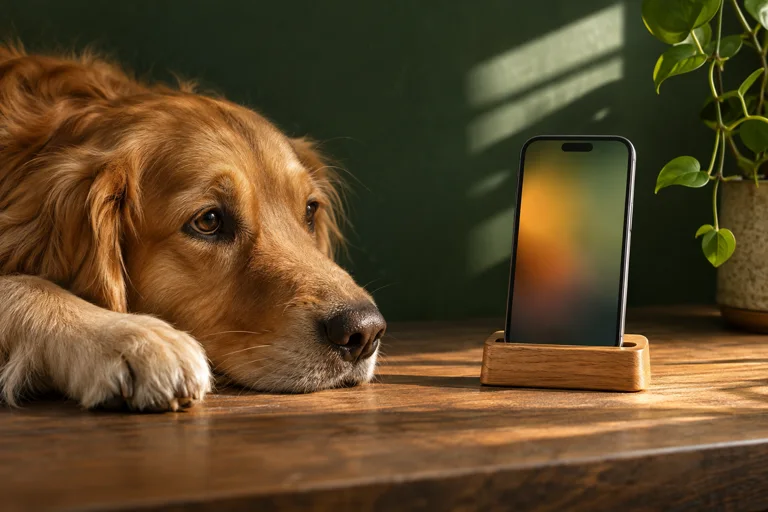
Resolution is about the detail the file can hold. With Bad Times AI, the 15-second and 30-second standard clips are 480p. The 30-second HD version is 720p on supported templates. Both are vertical MP4s.
What to look at in the comparison
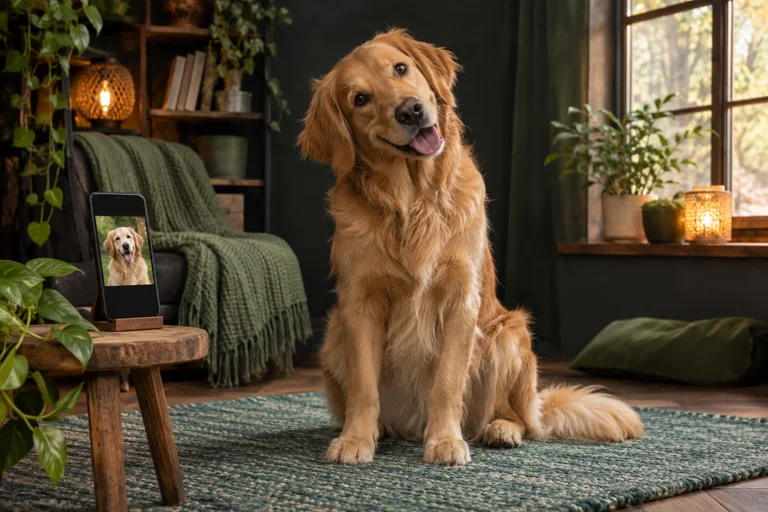
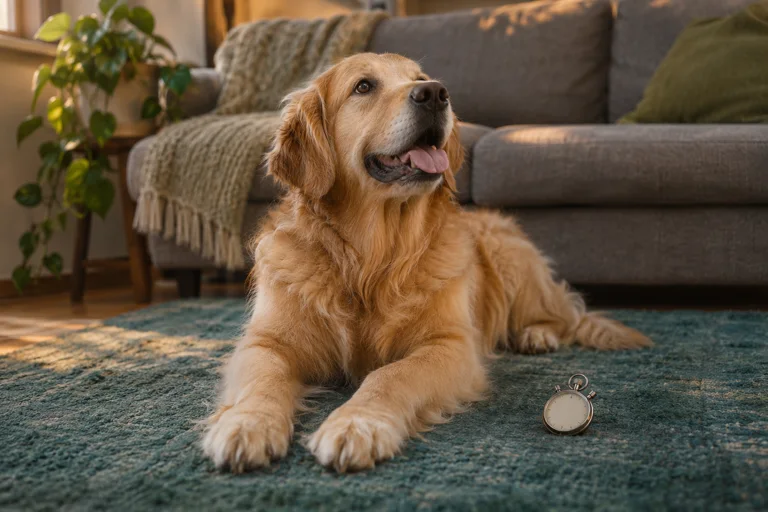
Open the 30-second 480p dog example, then the 30-second 720p dog example. Use the same screen and playback size. Look at fine fur around the ears, the edges of the nose and eyes, and small background details. Focus on whether you can see the difference at your normal viewing distance.
When HD is worth choosing
720p can help when the face takes up less of the frame, you plan to watch on a larger screen, or you want more detail in the file you keep. A quick close-up sent in a group chat may look fine at 480p. A messaging or social app can compress either file again, so check how your intended sharing route handles video.
Make the input count
Choose a sharply focused source with even light. A higher output resolution gives the video more room for detail, while the input still affects what features are visible. If you are considering three clips, see the bundle format before choosing.