How to Download and Share Your Bad Times AI Video
Save the vertical MP4 from your email, preview it on a phone and share the file or the public example as appropriate.
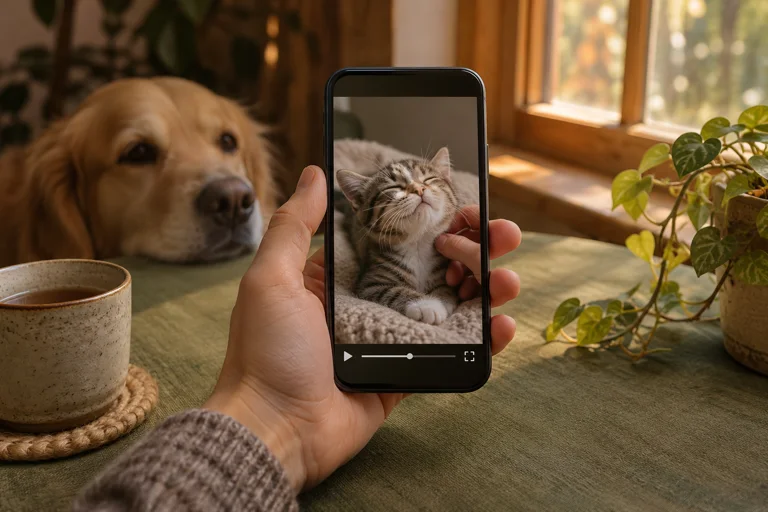
Download the delivered video before preparing a post. An MP4 is the file you can save and upload. The link in a delivery or recovery email is for accessing that order.
Save and check the file
Open the delivery email on the device you plan to use and download the MP4. Play it once from your files or photo library. Check that it opens, the caption is legible and the audio is the version you expect. If you cannot find the email, check spam and use Find my video with your order email.
Share the file you mean to share
Send the MP4 directly to a friend or select it from your device when creating a vertical post. If you are showing a friend how a template works, send the public example page instead. Keep private order links in your inbox.
Review the post before publishing
Look at the actual preview in the app where you will post. Check that stickers or other labels leave the face and top text readable. Use an image or recording you have permission to share. To send the finished clip directly to a recipient when ordering, see the gift delivery guide.