How to Make a Bad Times Dog Video
Make the Bad Times dog trend with your own pet photo. See which crop, light and expression work for the Treat Bag Meltdown scene.
The Treat Bag Meltdown template gives a dog a serious reason to complain about snacks. Start with a clear photo of one dog. A familiar head tilt or expectant stare will give the scene some personality before any motion is added.
Make room for the dog's posture
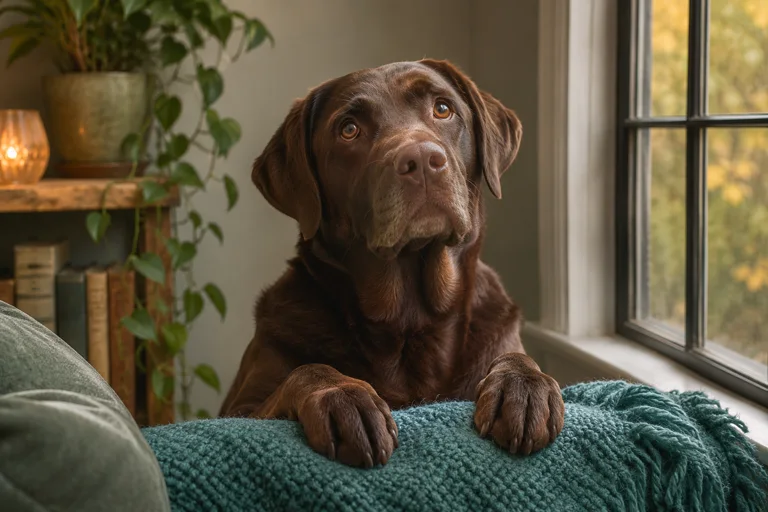
Put the camera around chest or eye level. Leave space above the ears and below the chin. Include the front paws if they fit comfortably. A close crop with the nose pressed against the edge can make a head turn look cramped. Use a frame where both eyes and the dog's distinct coat markings are visible.
Adjust the light for the coat
Face a window for soft light on the muzzle. For a dark coat, use a lighter background so the edge of the body is clear. For a pale coat, move away from hard sunlight if it washes out the fur. A simple couch or rug makes it easier to see the dog clearly.
Give the stare a snack-related cause
Try “When the bag opened for someone else” or “I heard the zipper from two rooms away.” Play the sample, then compare its input crop with yours. Watch the 15- and 30-second versions if you want to decide how long to hold the reaction. Your dog's movement and expression can differ from the sample.